true77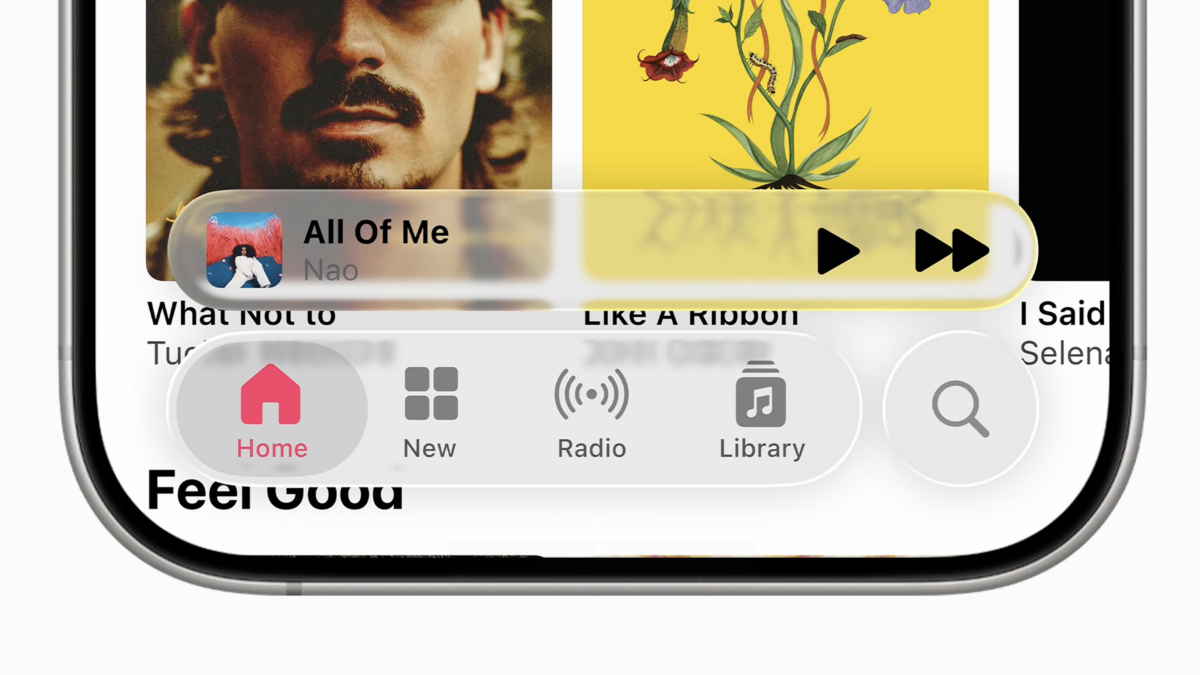
Apple’s Liquid Glass Design in iOS 26
Apple’s Liquid Glass design is, by far, the most polarizing feature in iOS 26. By making elements on the iPhone’s display semi-transparent, the operating system’s new feature creates a cool, frosty look that really hits different from what we’ve had so far. But transparency (even partial) can be detrimental to visibility, and the Liquid Glass look can often be a bit much, especially if everything is cranked to the max.
Changes in Transparency Effects
In iOS 26, Apple offers several ways to tone down the look. We’ve got instructions on how to turn Liquid Glass on for maximum effect, so you can do the opposite if you want to get rid of some of it. Some of the Liquid Glass design isn’t as easy to turn off, though. Fortunately, in the new iOS 26 developer beta 2, Apple has made several changes that reduce the transparency effect more than it was possible in the previous beta. The company also toned down the effect in beta 3, only to revert some of those changes back in the final, public beta which came out on July 24.
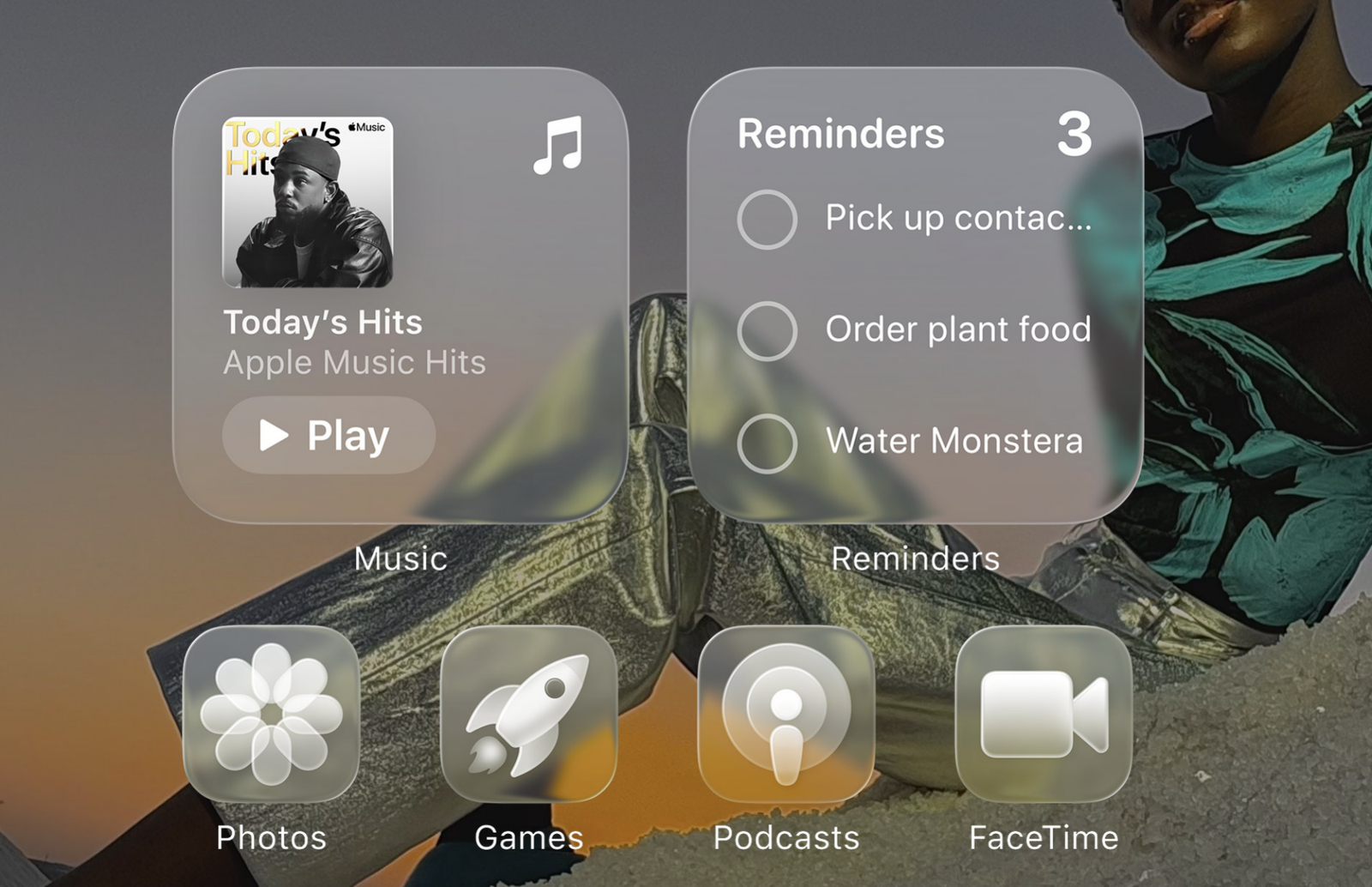
Apple also offers an option to reduce transparency across the entire user interface, under Accessibility – Display & Text Size – Reduce Transparency. That option was there in iOS 26 beta 1, too, but now it makes everything even less transparent than before.