true77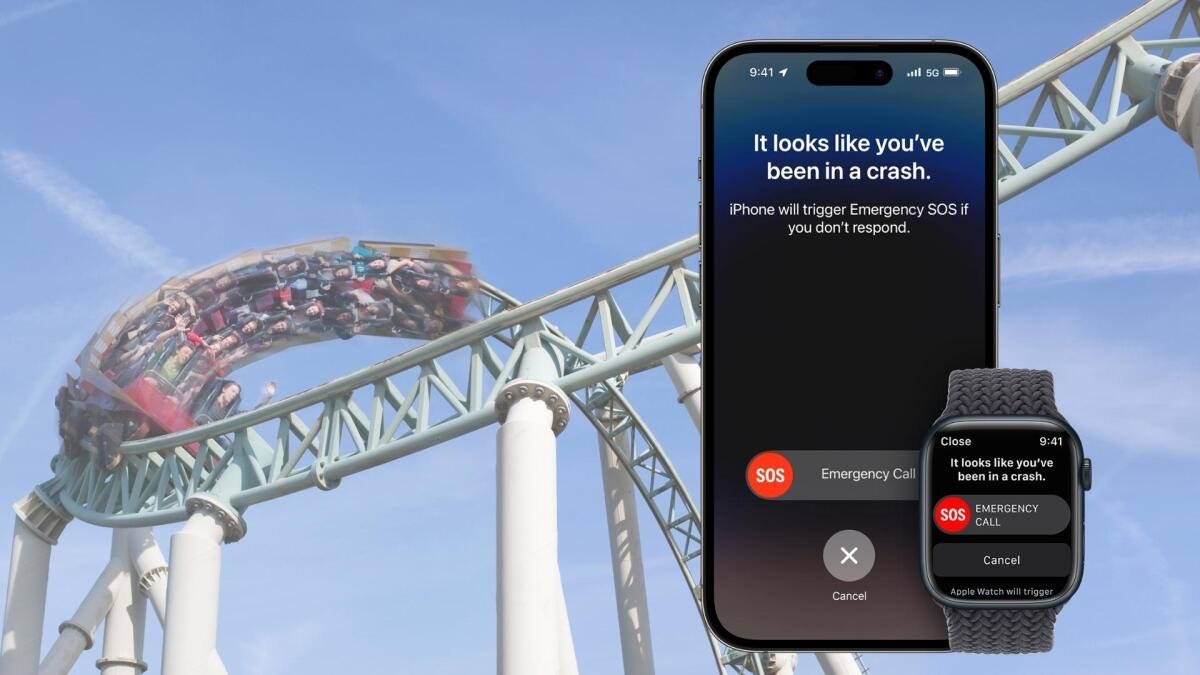
If you’re an Apple user who enjoys amusement parks, you may want to consider disabling Crash Detection. Reports have surfaced of this emergency feature being triggered on rollercoasters, highlighting an unintended use case. Despite this, Crash Detection, found on the new iPhone 14 line, as well as the Apple Watch Series 8 and Apple Watch Ultra, has demonstrated its effectiveness and could potentially save lives in car accidents. However, if you still wish to deactivate it, here’s how:
1. Go to settings
Open Settings on your Apple Watch Series 8/Ultra or iPhone 14 device. Scroll down and tap on “Emergency SOS.”
2. Scroll down and disable “Crash Detection”
Within the “Emergency SOS” section, locate the setting for “Crash Detection” and switch it off.
3. Confirm Crash Detection is disabled
Upon toggling off the feature, a disclaimer will appear explaining that your device will no longer automatically place emergency calls. Confirm your choice by tapping on “Turn Off.”
Remember to re-enable Crash Detection once your amusement park adventure comes to an end.