true77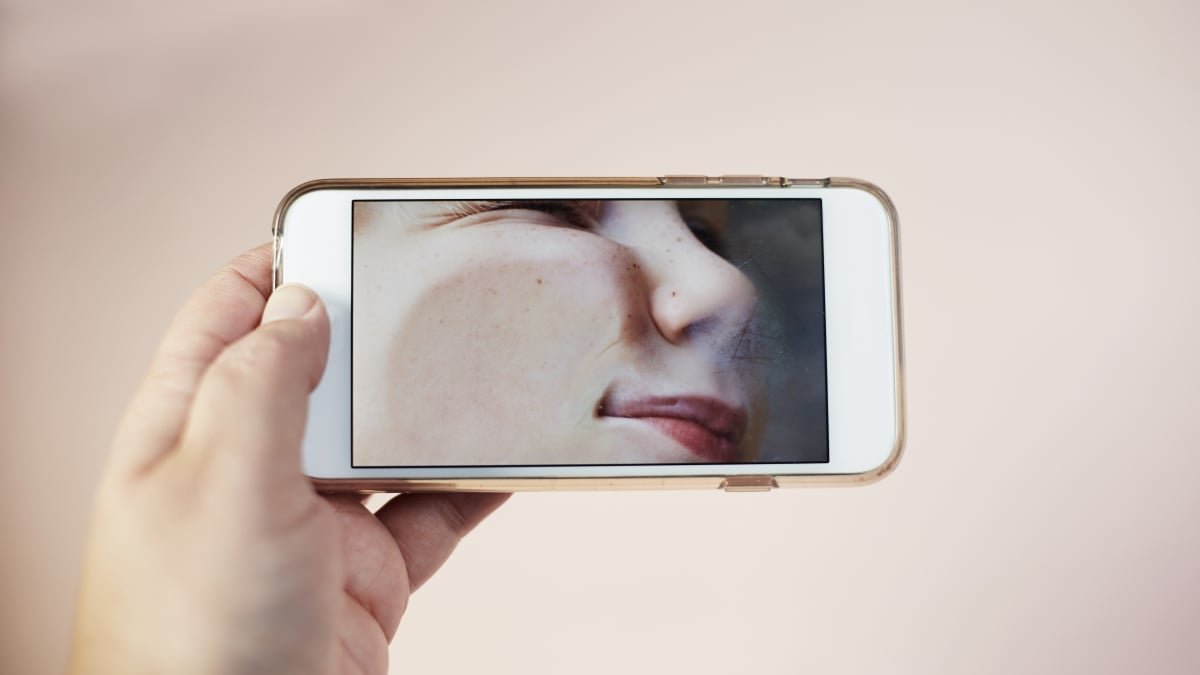
BeReal, the App that Encourages Authenticity
BeReal is all about living in the moment – hence the name of the growing app. Founded two years ago, the app provides a random two-minute window each day to post one photo, pushing for authenticity and spontaneity. The antithesis of curated Instagram feeds, one could say. But sometimes, that selfie taken just as the notification arrives is not something you want your friend list to see.
How to Delete a BeReal
To delete a BeReal on iOS, first find the three dots in the bottom right-hand corner of your post. From there, click “options” at the bottom right-hand side once more, indicated by the yellow arrow below. Finally, tap on “Delete my BeReal.”
For Android users, open the dot menu in the top-right corner of your BeReal and tap “Delete my BeReal.”
Deleting Your BeReal Post
On both iPhone and Android, you can only delete your BeReal once a day, so choose to do so carefully. The app will also ask you why you’re choosing to delete your post, displaying a quick survey and a few options to indicate your reasoning. There will also be one last question – “are you sure?” – before you can finish deleting.
They really do want us to BeReal.