true77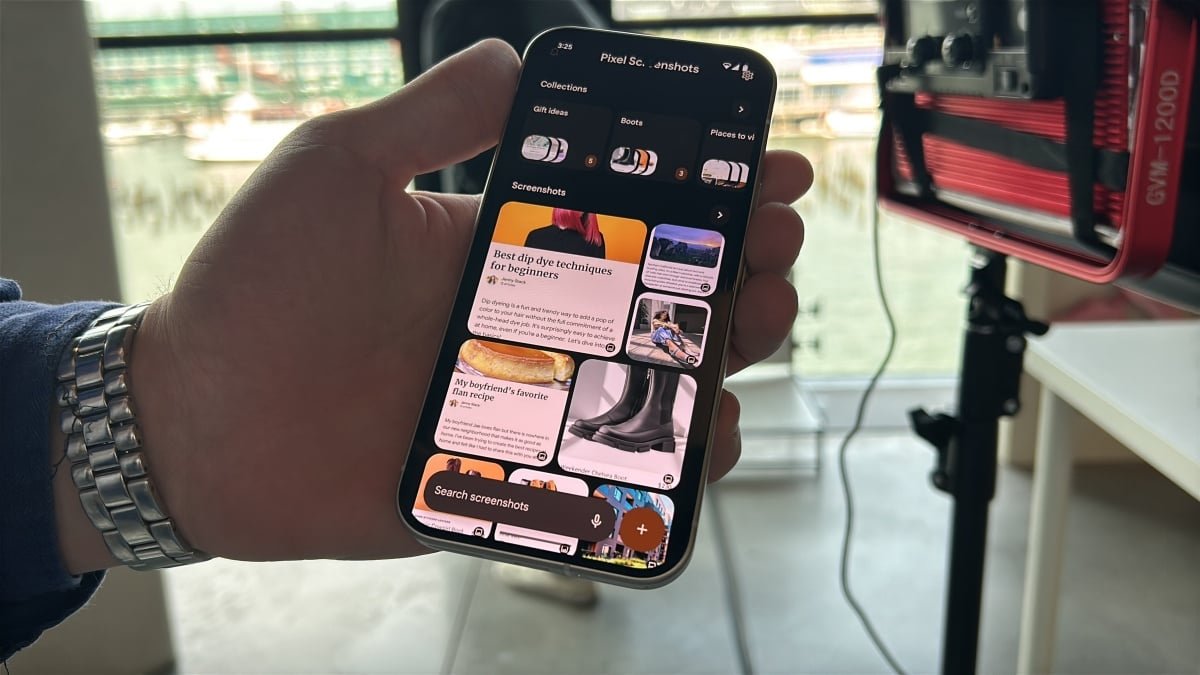
If you’re like me, you probably have a ton of screenshots saved, ranging from funny social media posts to important order confirmations. But sifting through all those screenshots to find a specific one can be a real hassle. That’s why Google has introduced the new Pixel Screenshots app, available on all the latest Pixel 9 series devices like the Pixel 9, Pixel 9 Pro, Pixel 9 Pro XL, and Pixel 9 Pro Fold.
Introducing Google’s ‘Pixel Screenshots’ app
Recently, Google unveiled the Pixel 9 devices at the Made by Google event, along with the new Pixel Screenshots app. This app uses on-device AI called “Gemini Nano” to automatically generate titles and summaries for each of your screenshots.
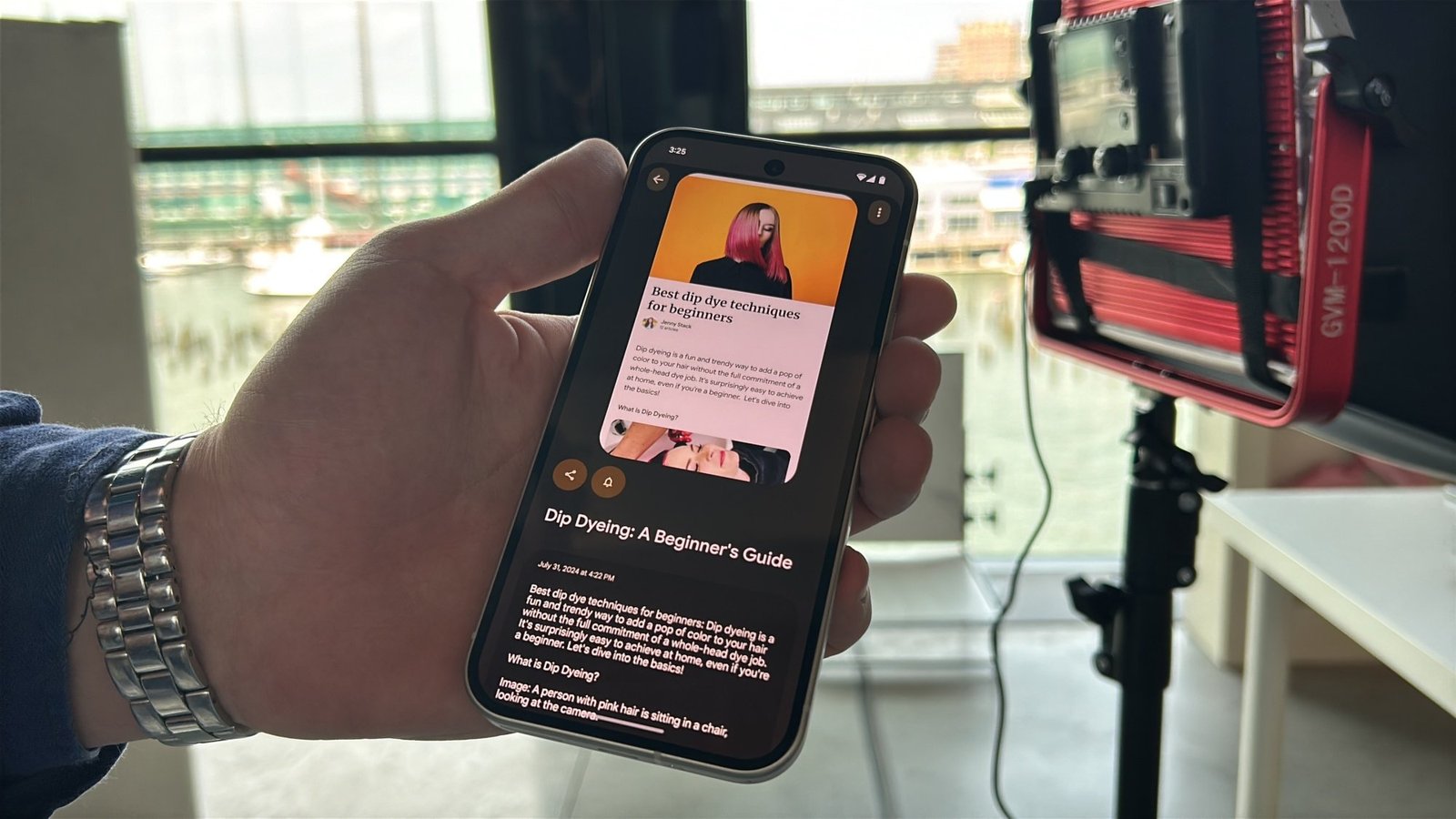
The app can help you easily find specific screenshots by using the search bar at the bottom. For example, if you search for “boots,” it will show you all the screenshots related to boots from your saved collection.
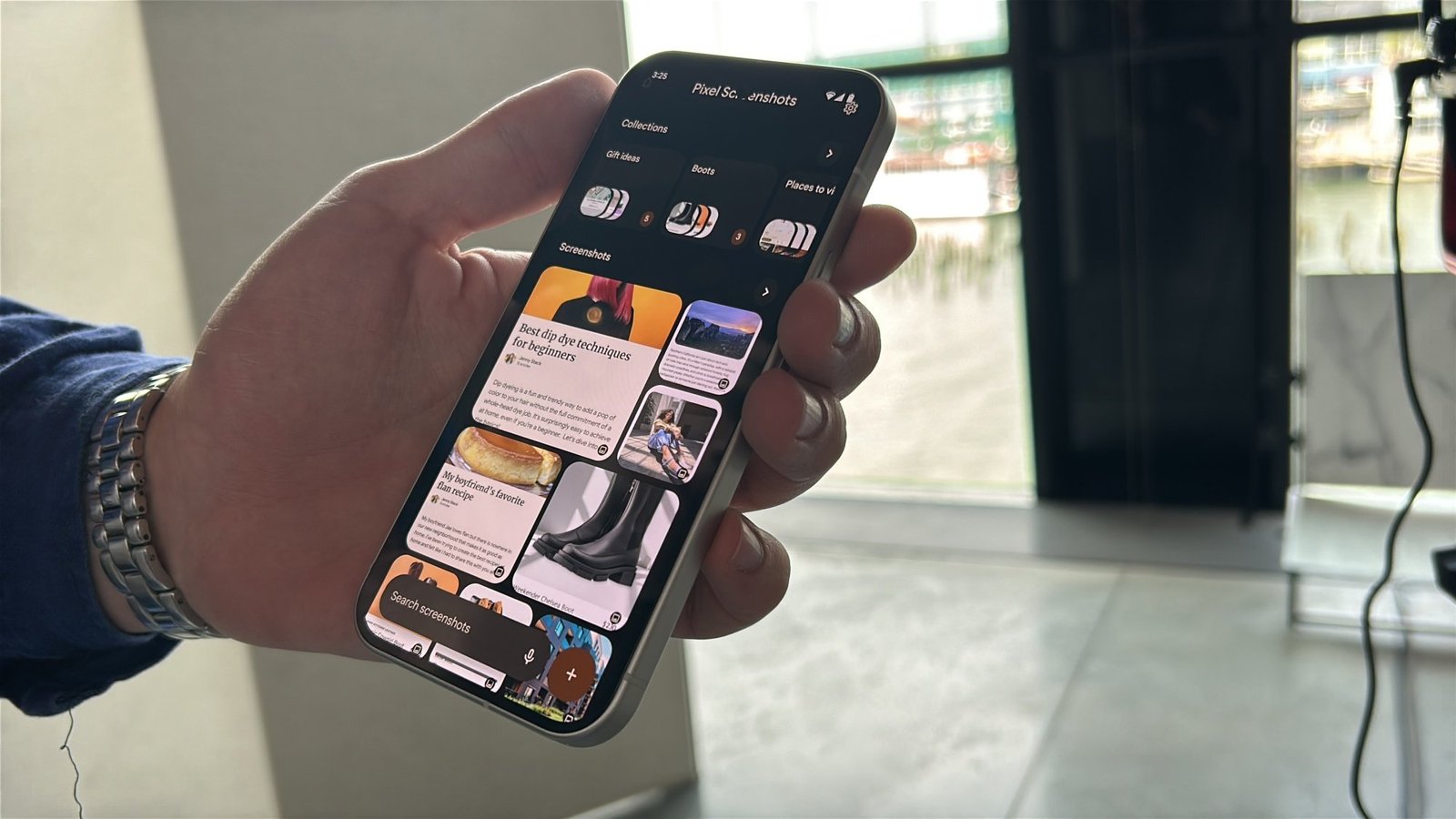
Not only can you type in your search queries, but you can also use the microphone to speak your requests. For example, you can ask for the Wi-Fi code at a friend’s house, and the app will search through your screenshots to find it for you.
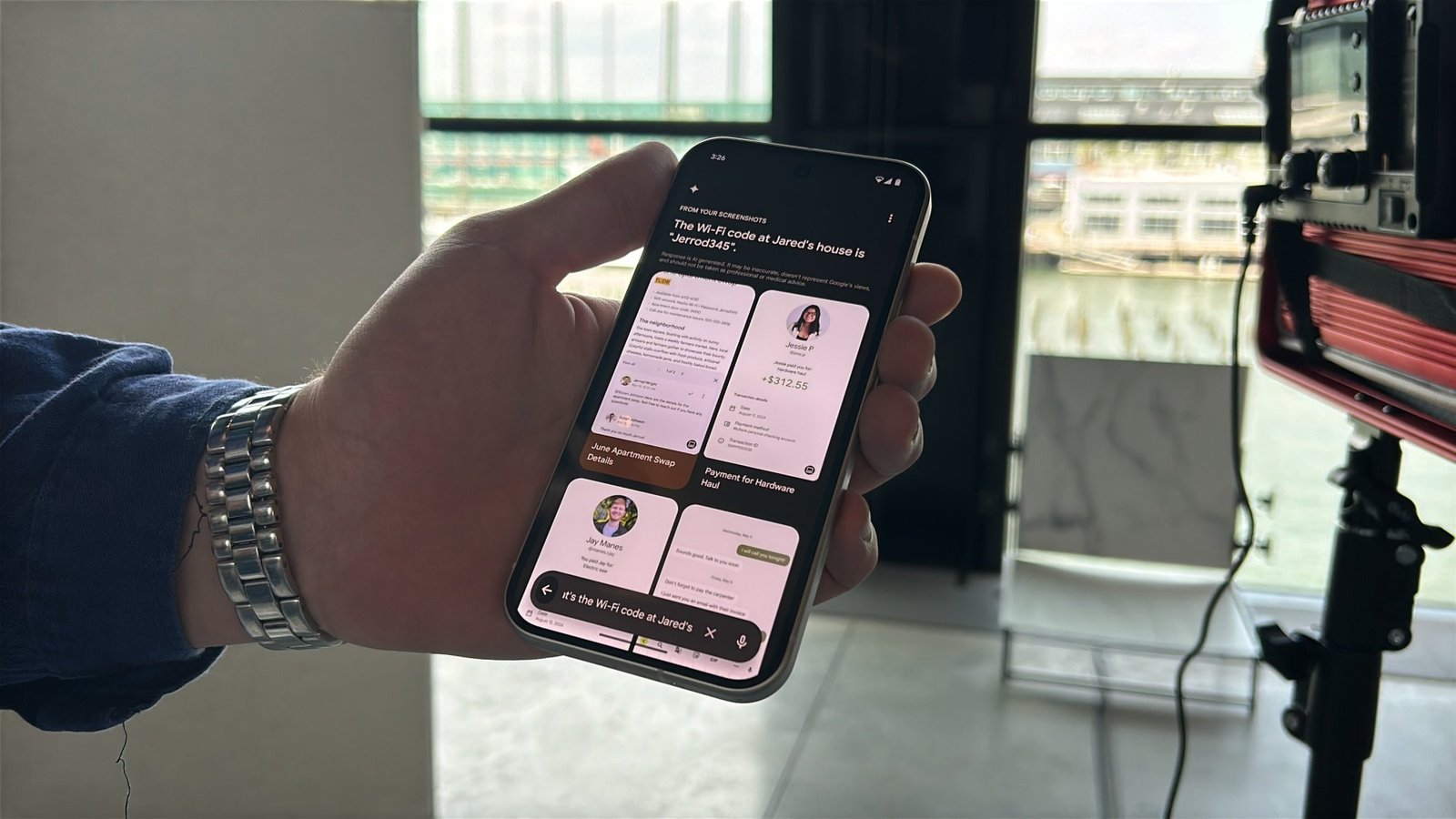
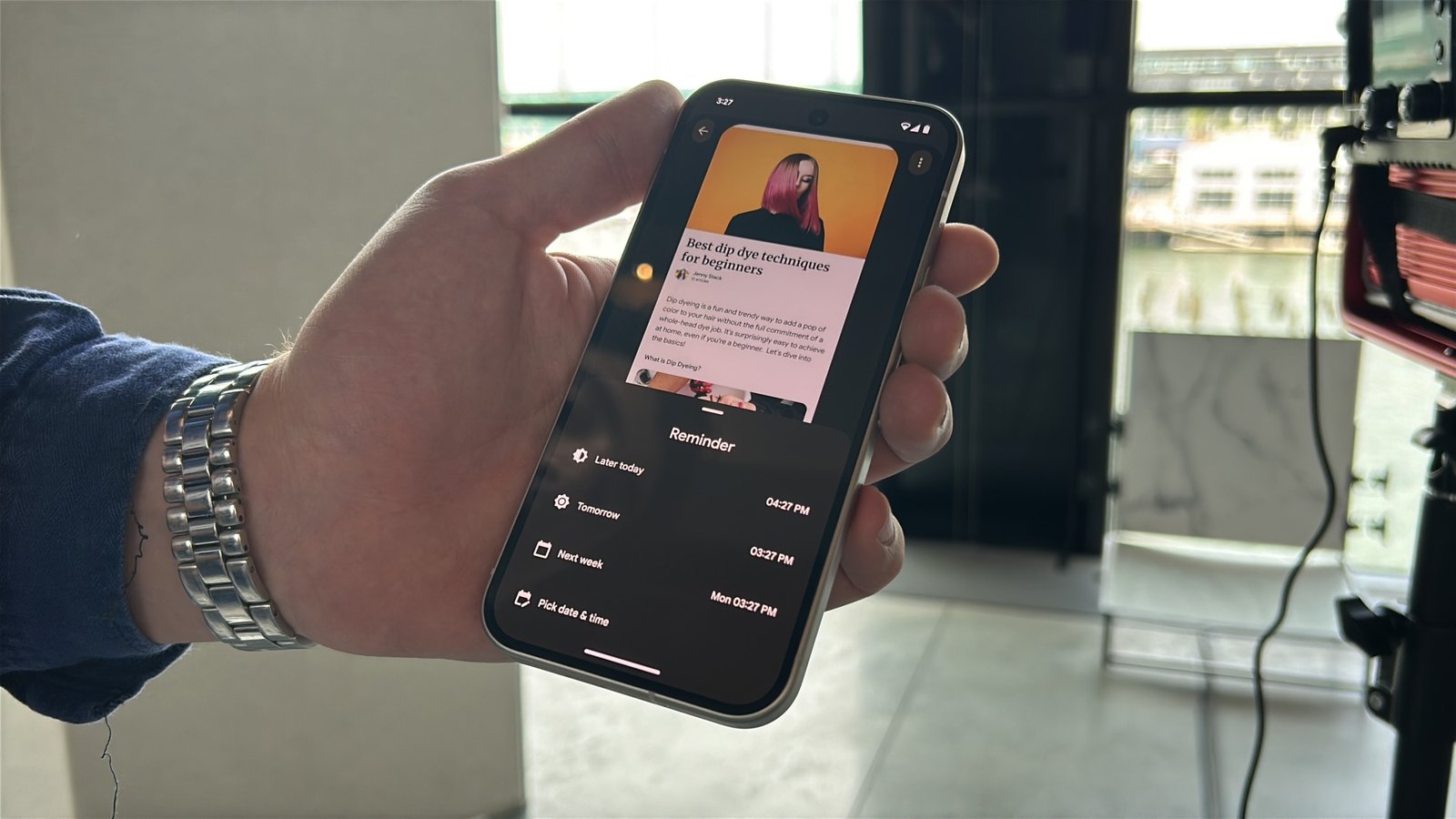
Google has also added suggested actions for certain screenshots, like offering to search for an address in Maps or setting reminders for yourself. It’s a handy tool that can make managing your screenshots a lot easier.
And this is just one of the many AI-powered features that Google has introduced. Be sure to check out all the other new features like Made You Look, Add Me, Reimagine, Gemini Live, and more.