true77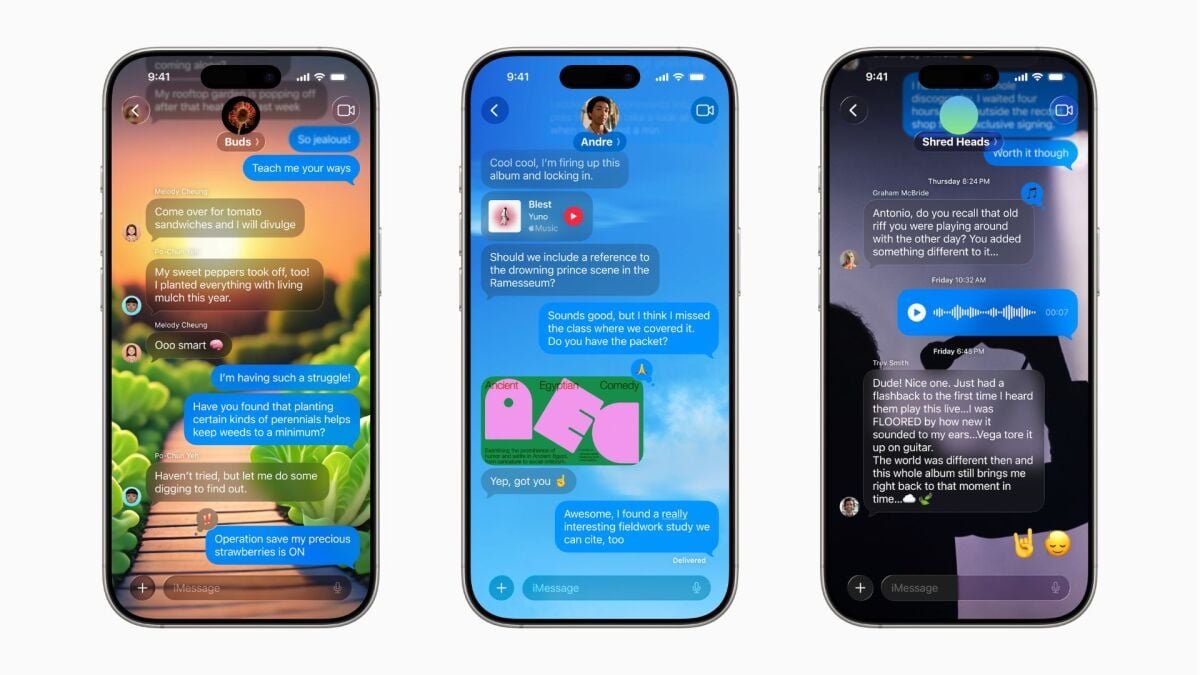
Apple released the public beta for iOS 26 today. However, you probably shouldn’t install it without a plan. The latest edition of iOS brings about a huge new design language, new quality of life features, new AI tricks, and more. There’s a lot to dig into, and this article won’t cover every single new thing you can try on iOS 26. But once you’ve installed the public beta, here are some of the best new features to check out.
The 5 best new features to try in the iOS 26 beta
Liquid Glass
Introduced at WWDC earlier this year, Liquid Glass is an all-encompassing term for Apple’s new design language being introduced with iOS 26. As its name suggests, Liquid Glass changes the look of all your app icons and other UI elements so they resemble, well, liquid and glass. When you drag something around with your finger, it’ll animate nicely in a liquid-like fashion, and everything has a glassy, somewhat transparent texture to it. There isn’t much more to say about this, other than that you should install the iOS 26 public beta and see it for yourself. iOS 26 will also allow you to personalize the appearance of widgets, so if you don’t love the “all clear” style, you can tone down Liquid Glass to your liking.
Changes to the Phone app
One big thing Apple did with iOS 26 is totally redesign several core everyday apps, like Phone, Messages, and Photos. Let’s start with the Phone app. For starters, things like Recents, Voicemails, and Favorites all now live together on one screen rather than in separate tabs. There’s also a new call screening feature which will answer any phone call for you and ask the caller who they are and why they’re calling. If the answer is satisfactory, you can pick up the phone. If not, you can tell them to take a hike and get on with your day. Hold Assist will also free you from the burden of listening to awful hold music on customer service calls. You can put the phone down and wait for a notification to pop up, which tells you when a human is on the other end. That sounds lovely.
New Messages features
Messages, the home for all your texts and group chats, has also gotten some new toys to play with. One of my favorites is the ability to make polls in group chats, which is nominally a feature for deciding where to get dinner, but will really be a feature that’s used to settle incredibly arcane, nonsensical inside-joke arguments among friend groups. Group chats have also gotten the much-needed ability to see who is typing, plus a new feature that lets users set custom backgrounds for their chats. Group chats are about to get so, so silly.
Honorable mention: New Genmoji creation tools, with a boost from ChatGPT
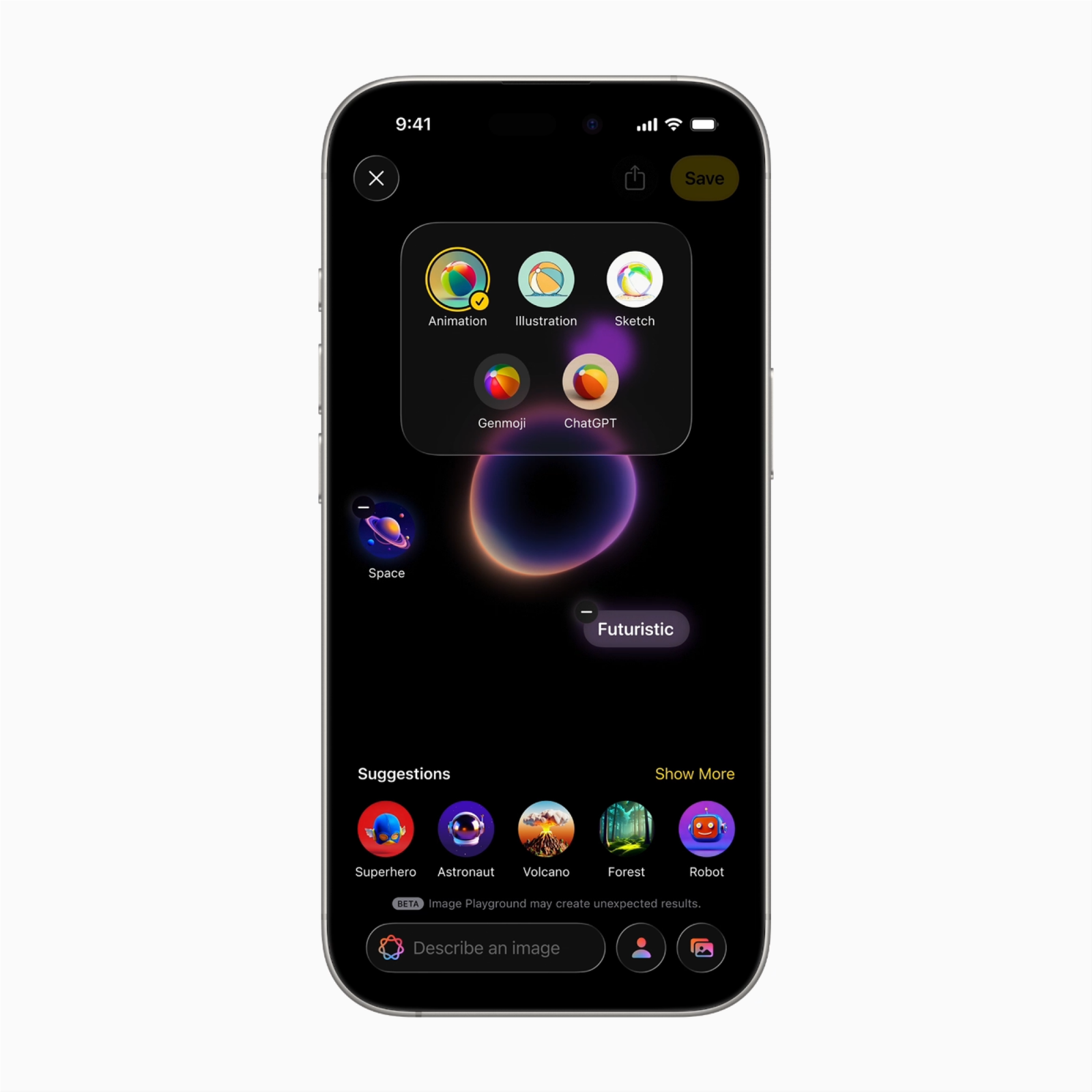
If you want to take advantage of the new Apple Intelligence features coming with iOS 26, you’ll need a relatively new iPhone. Specifically, iPhone 16 models, iPhone 15 Pro, and iPhone 15 Pro Max devices (with Apple Intelligence activated).
In iOS 26, you’ll get new tools for creating custom Genmoji using ChatGPT. According to Apple, “Genmoji and Image Playground provide users with even more opportunities for self-expression, including mixing their favorite emoji, Genmoji, and descriptions together to create brand-new images.”
Exploring the possibilities with Image Playground and Genmoji tools
We’ve covered the new Image Playground and Genmoji tools previously, but we haven’t tried them out yet.
Topics
Apple
iOS
iPhone