true77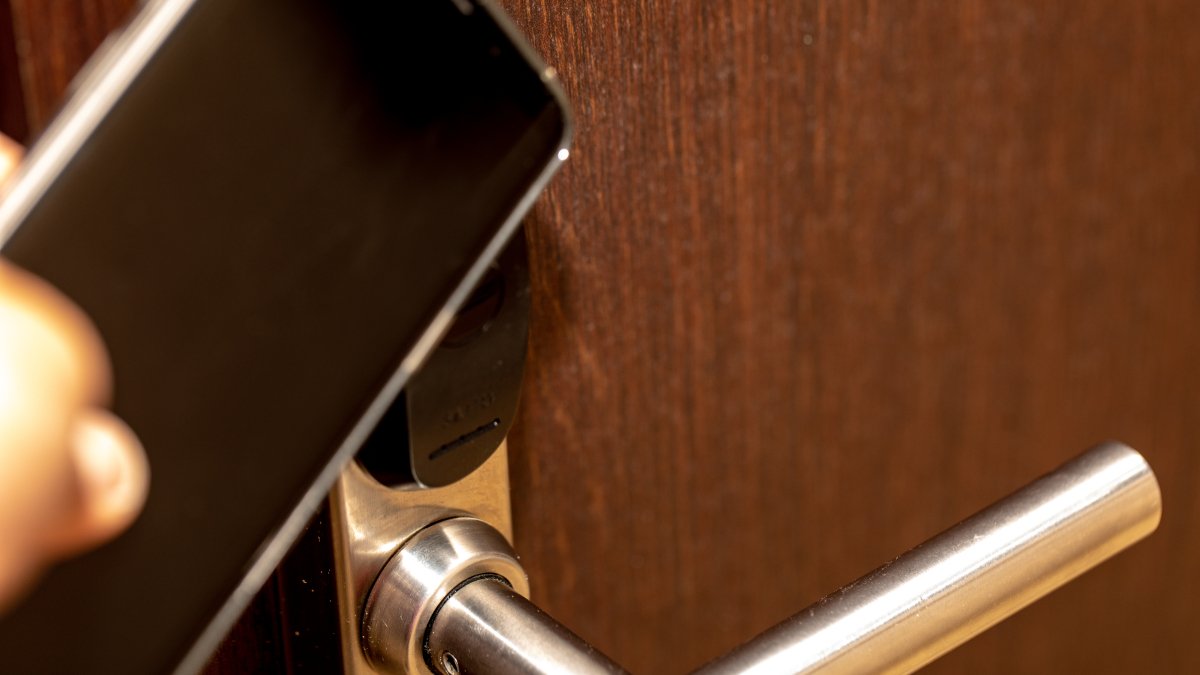
Hey, did you hear the news? You can now store your hotel keys on Google Wallet! If you’re the type who always forgets where you put things, especially those pesky entrance cards, then this update is going to be a game-changer for you.
Forget about carrying around physical hotel key cards – Google Wallet has got you covered. All you need to do is make sure you don’t misplace your Android device!
How to Use Google Wallet for Hotel Key Cards
Gone are the days of fumbling with key cards at the hotel entrance. Here’s a simple guide to storing your hotel key cards on Google Wallet:
-
Open the hotel’s website (or app).
-
Sign into the hotel’s website.
-
Look for the “Add to Google Wallet” button on the reservation confirmation page. (If you can’t find it, the hotel might not support digital key cards)
-
Log into your Google account.
-
Tap “Add” and then “View in Wallet.”
Once you’ve added your key card to Google Wallet, simply unlock your phone and hold it near the door’s key card scanner to gain access. It’s that easy!
Google Wallet uses NFC technology to make this possible, the same tech behind “Tap to Pay.” And just so you know, Apple has also jumped on the digital key card bandwagon with iOS 15.
The Clarion Hotel Post in Sweden is leading the way by allowing guests to use Google Wallet for digital keys.
Topics
Google